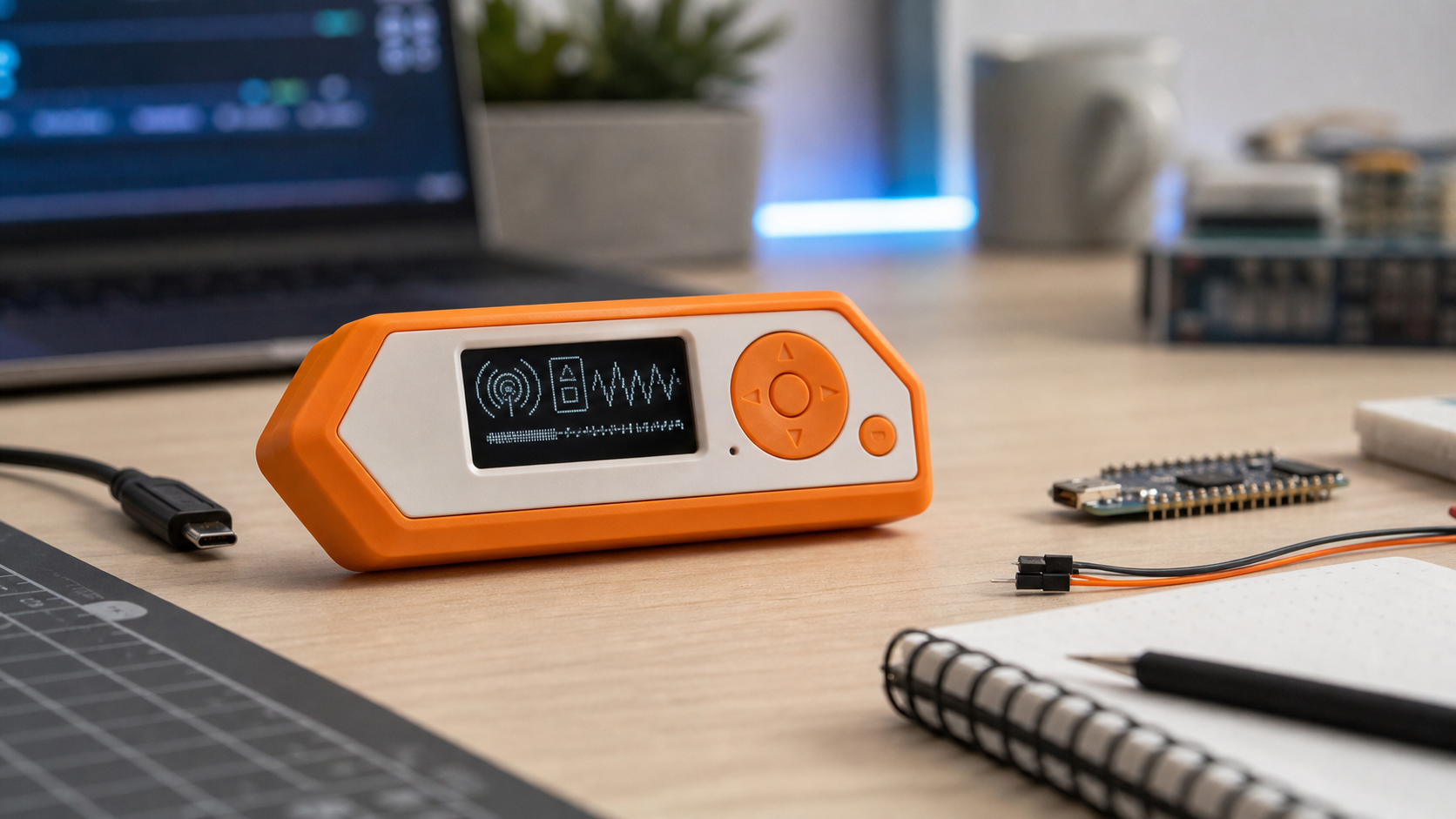
I picked up a Flipper Zero not too long ago as a nerd toy to scan ID cards and a universal remote, but then I discovered that it can do so much more.
As a remote, it was already useful. I taught it the infrared signals for a few things around the house: the TV, fans, and lights. Now if a remote disappears into the couch, walks off to another room, or just dies at the wrong time, I can still shut things down. Nothing fancy, just practical.
I also backed up my own work access card so I had a fallback if I misplaced it. That is where the Flipper starts to feel different from a normal gadget. It is small, game controller-looking, and simple enough to play with in five minutes, but it is really a portable lab for development and security.
It Starts Simple
The infrared side is probably the easiest way to understand the appeal. Flipper’s own documentation shows how it can read and replay IR remote signals for devices like TVs, sound systems, projectors, and air conditioners. That means it can replace a pile of remotes for basic control tasks.
For normal home use, it solves an annoying problem without turning your living room into a science project. The only inconvenience is that the interface has an 8-bit vibe, which means a lot of D-pad and select button to get to the menu you want.
Then You Realize It Is a Platform
The more interesting part is what happens after the novelty wears off. Flipper Zero is not just a remote-control toy. It has NFC, 125 kHz RFID, infrared, Bluetooth, USB, sub-GHz radio, iButton support, and GPIO expansion. That GPIO port matters because it lets the device connect to modules and developer boards, turning it into something closer to a pocket-sized security toolkit.
You can write your own apps, load community firmware, or pull tools and experiments from GitHub. The official documentation also covers GPIO and modules, including using Flipper as a USB to UART, SPI, or I2C converter.
As an amateur lock picker, one of my favorite apps to download is the Key Copier, which lets you create a key impression, from which you could cut a copy of the key.
For someone who likes IT, security, electronics, or just understanding how things work, that extensibility is the hook. You start with “Can I turn off the fan?” and end up looking at protocol docs, dev boards, firmware builds, and hardware interfaces.
With an expansion WiFi board via GPIO interface, you have the start of a serious Wireless security toolkit.
The Responsible-Use Part Matters
Here is the part that needs to be said plainly: tools like this can be misused. Copying a key or ID card that you do not own or do not have permission to test is not research, is unauthorized access. The same goes for interfering with radios, testing against someone else’s equipment, offices, hotels, public infrastructure, or cars (like the trick you might have seen online with a Tesla).
There has also been heightened attention around the Flipper Zero. Canada announced in 2024 that it wanted to pursue restrictions on devices used for auto theft, and the Flipper Zero got named in that conversation. In the United States, laws around radio transmission, access control systems, computer misuse, and physical security still apply. Some venues and organizations may also restrict these devices by policy.
The smart rule is simple: only test what you own or what you have explicit permission to test. Treat it like a security tool, not a prank device.
Why I Like It
What I like about the Flipper Zero is that it makes invisible systems visible. IR remotes, access cards, wireless protocols, GPIO pins, and embedded devices are all around us, but most people never get a reason to think about them. This gives you a reason.
It is useful enough to solve small problems around the house, approachable enough for beginners, and deep enough that you can keep learning. That is a rare mix. A lot of tech toys are fun for a weekend. This one feels more like a doorway.
If you get one, start with the harmless stuff. Learn your own remotes. Read the docs. Build something small. Then move into the security side with permission, notes, and discipline. The difference between learning and causing trouble is not the device. It is how you use it.
Leave a Reply
You must be logged in to post a comment.